Flashcards for curious language learners.
Knowing words matters, but so does using them to express your thoughts. kamishibai uses specially configured AI to generate cards for Anki, the app that schedules your reviews. Each card includes:
- a phrase to learn the word in context
- a manga illustration to picture the situation
- audio of the whole phrase to practice pronunciation and intonation
- an explanation to know when to use the word
for people
brew install anatoly-chichikov/tap/kamishibai
why phrases, not words
-

express yourself in the language you’re learning
A whole phrase shows which words go together and when they fit. Say it aloud to practice expressing a thought in conversation.
-
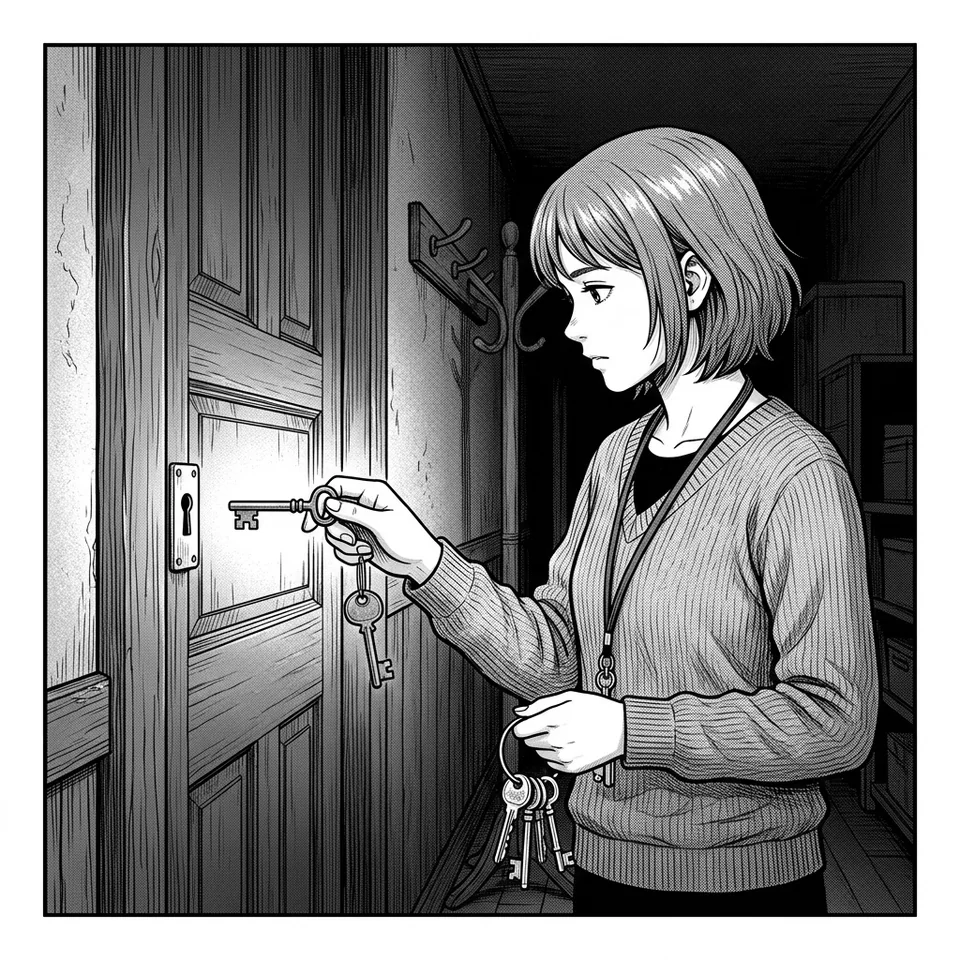
choose the word with the right meaning
French canard means a duck or a fabricated news story. AI generates a separate card, phrase and explanation for each meaning you choose.
-
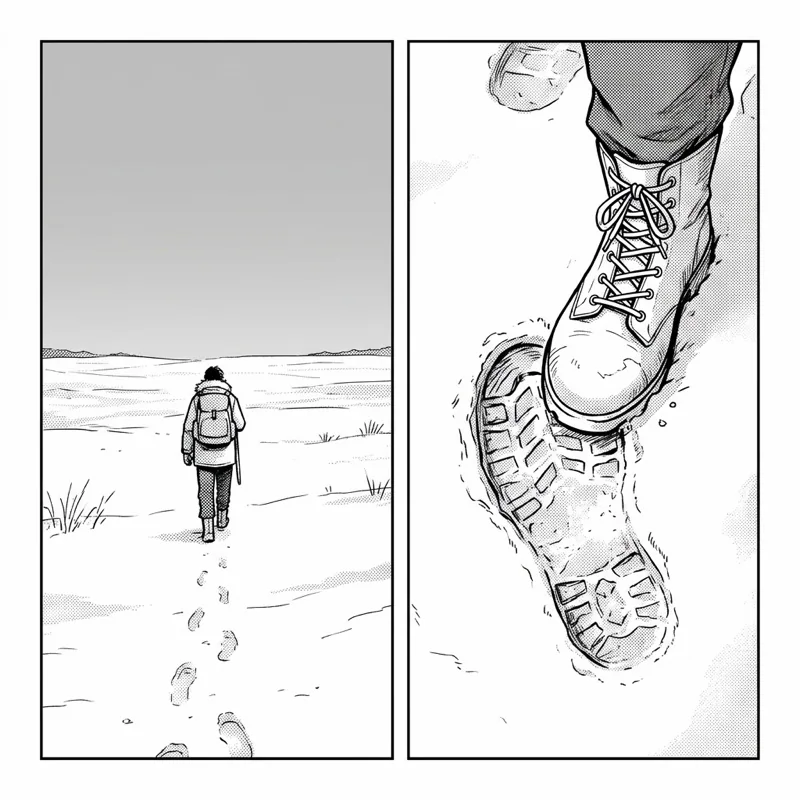
see how the language fits together
Words, articles, prepositions and expressions recur across different phrases. They connect new phrases with ones you already know: the more phrases you learn, the better you understand the language. See a sample deck →
how the AI magic works
ai may be wrong, please verify results

how to install
It runs on macOS, Linux and Windows.
brew install anatoly-chichikov/tap/kamishibai
or
curl -fsSL https://raw.githubusercontent.com/anatoly-chichikov/kamishibai/main/install.sh | sh
then run:
kamishibai
Create a Gemini API key in Google AI Studio → You will need Anki to review the cards.
ways to use kamishibai
-
step by step in the terminal
kamishibai guides you through adding words, choosing meanings and checking cards.
-
with an AI agent
Give Claude Code or another AI agent llms.txt for setup, updates and instructions for your version. The agent runs kamishibai; you choose the words and check the cards.
-
with your own card text
Supply your card text in JSON. AI generates audio and illustrations, and kamishibai builds the deck.